
How to replace the sky in FastHDR
- After signing in, open uploads. Choose Individual photos for single files or Merge exposures into HDR for exposure brackets.
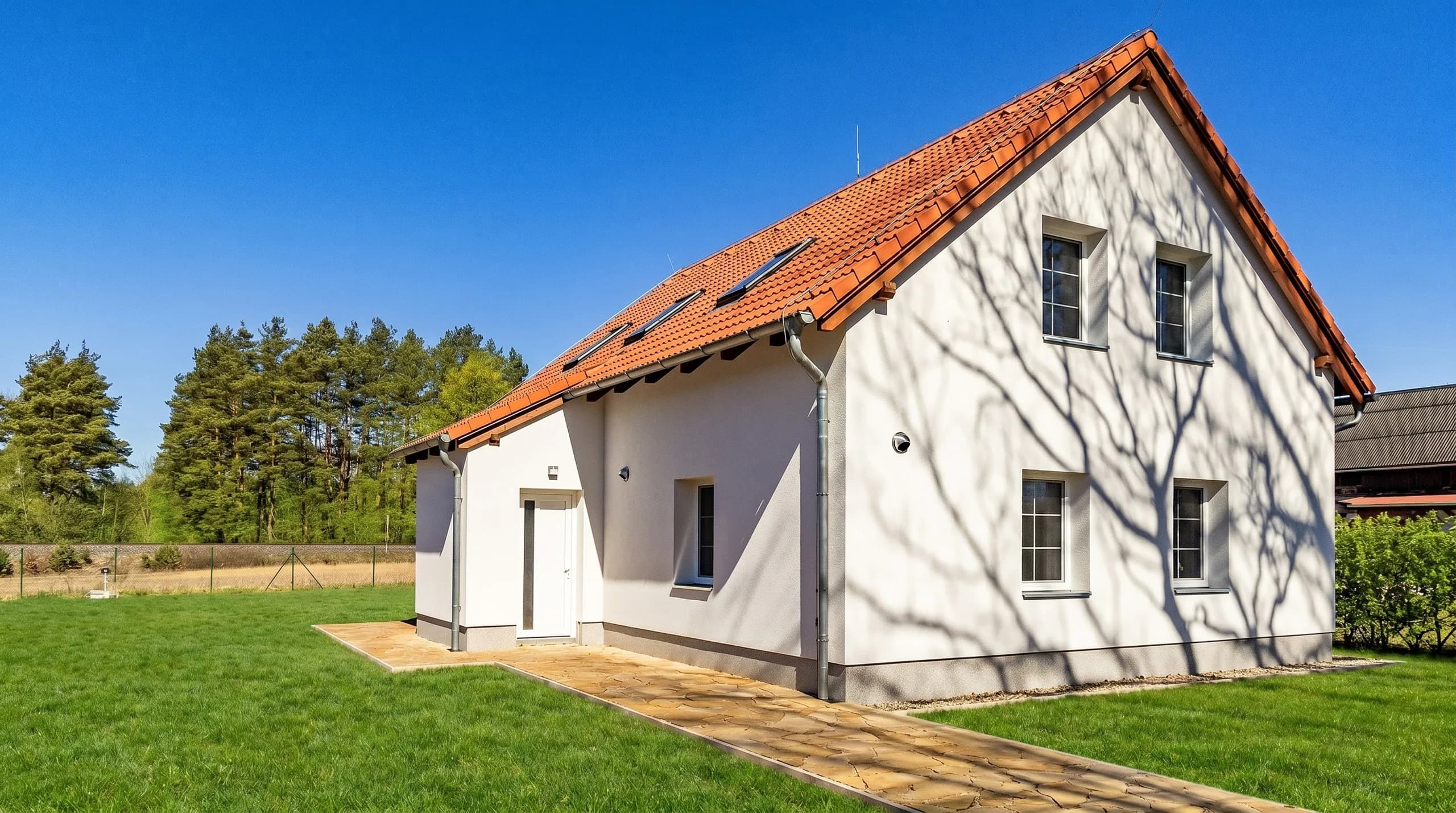
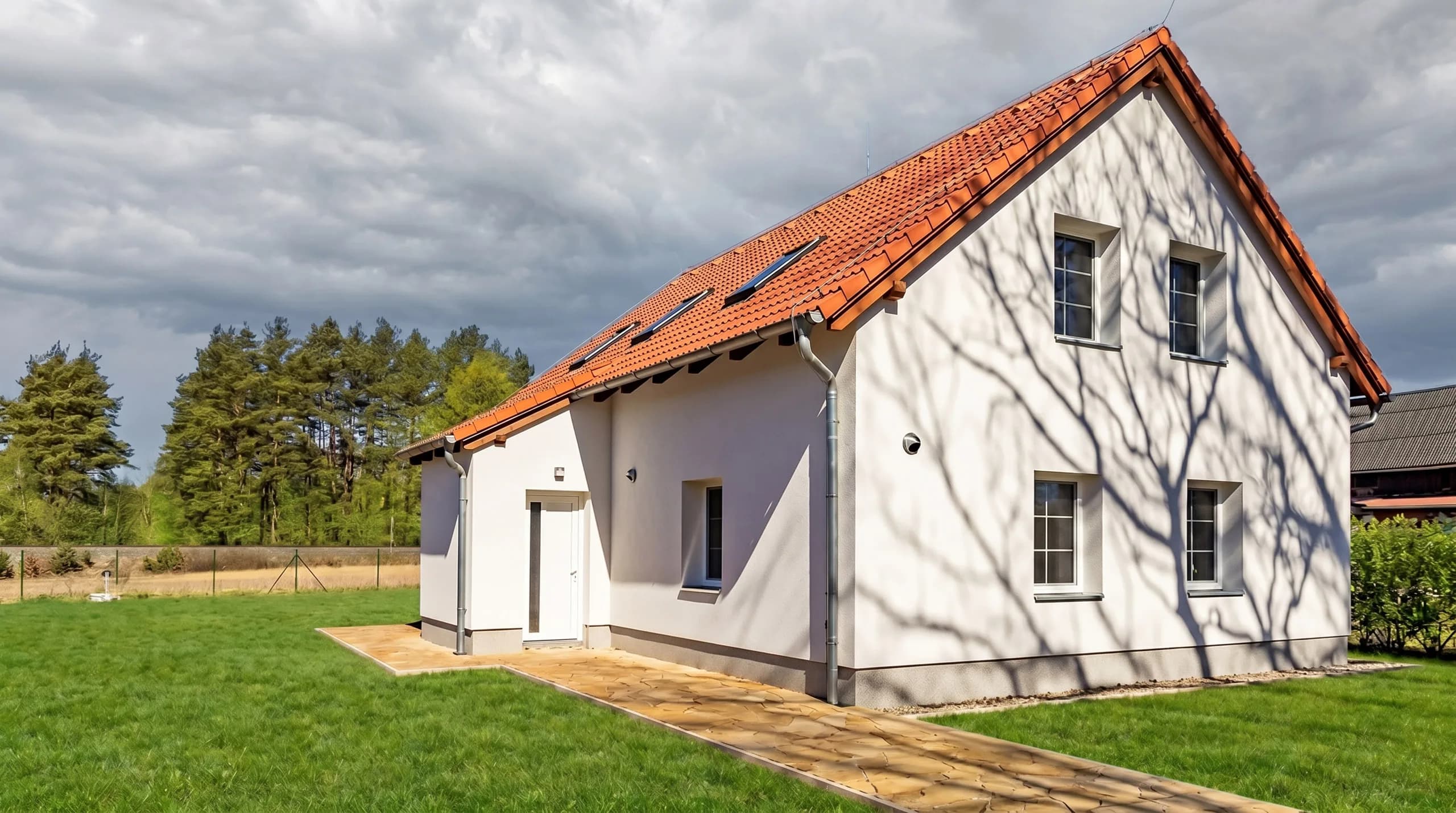
- Turn on Replace sky. Blue sky with clouds is used. Turning the switch off keeps the original sky.
- Upload your photos and wait for the previews in My gallery. Viewing them is free.
- Zoom in enough to inspect the edit. Pay for your selected photos and download them without watermarks.
Off, or blue sky with clouds.
Sky replacement has one style: Blue sky with clouds. Use the switch to turn it on or off. Always compare the result with the original image and the property's lighting.
What to check before buying
Sky replacement changes the image's content. Also consider how you want to present the property in its listing. FastHDR shows a preview first, so you decide whether to buy based on the actual result.
- Roof edges, aerials, chimneys and thin branches. The transition to the sky should have no bright fringe or missing areas.
- Reflections in glass and shiny surfaces. Their colour and light should make sense alongside the new sky.
- The building's brightness and colour. A saturated sky can look unnatural next to a muted facade.
- Small patches of sky between trees. Automatic editing may not handle complex edges perfectly.
I want to edit the photo but keep the original sky.
Turn off Replace sky. You can continue using other edits, such as white balance, vertical correction or HDR merging.
Price and availability
A finished photo without a watermark costs CZK 25, including your chosen edits. Previews are free and no subscription is required. From each batch, you can choose only the results you want to buy.
Your results are available in the same account on your phone and computer. Download paid photos within 7 days of payment. Unpaid previews are available for 7 days after upload.
FastHDR guide · Updated