
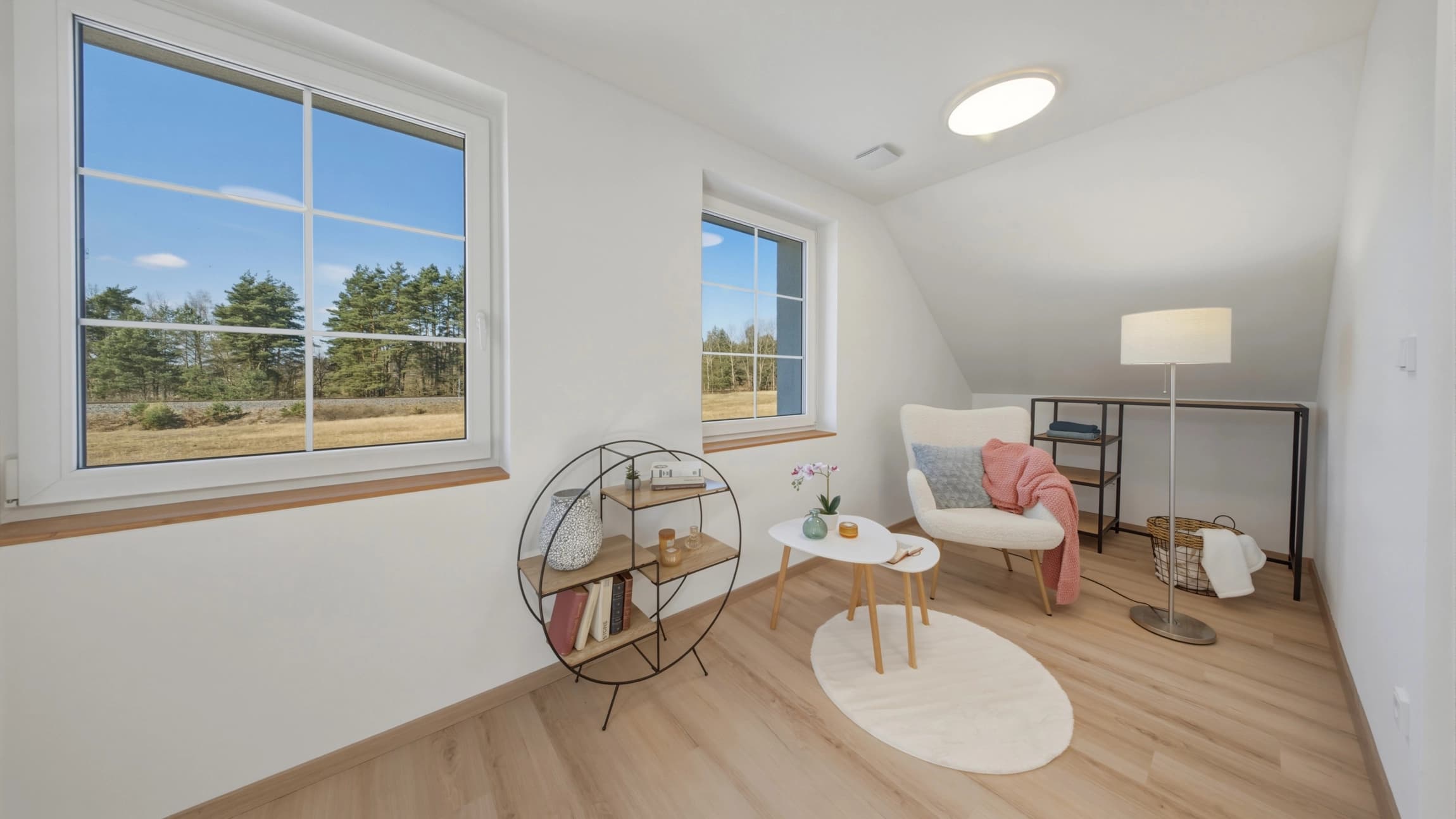
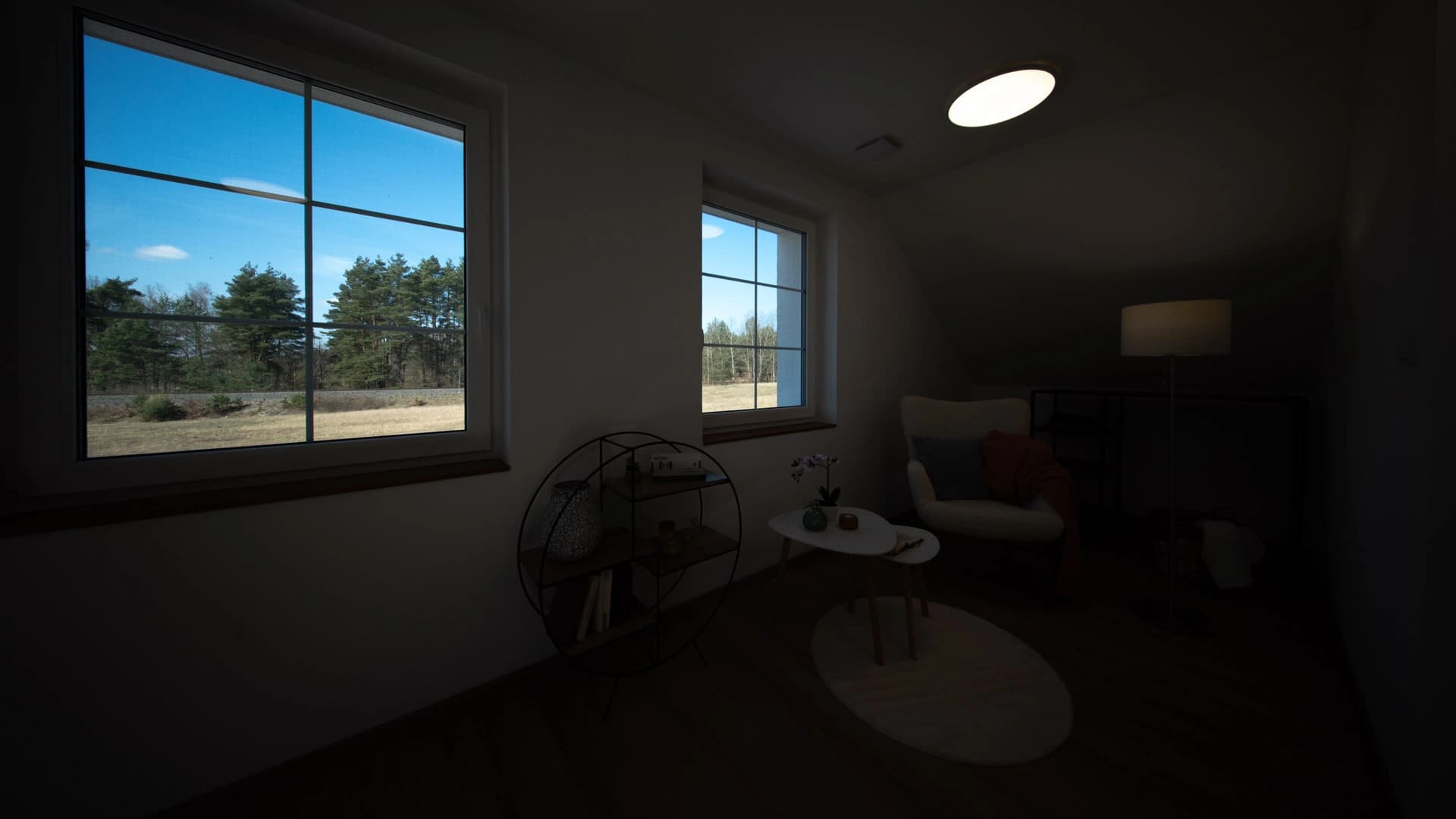
When does HDR help?
When photographing an interior, the view outside is often much brighter than the room. A single shot can leave the window white or the shadows too dark. HDR combines several exposures of the same composition: darker frames capture the bright view, while brighter ones retain interior detail.
You need images of the same scene at different exposures. Different rooms or copies of a single file cannot replace an exposure bracket. Only have one shot? Use Individual photos in FastHDR to adjust lighting, colour and perspective.
Three, five or seven — to suit your photography.
FastHDR is not limited to groups of three. The settings offer 2, 3, 5, 7 and 9 exposures, and you can enter a different count. Select the actual number of frames in each composition.
With a fixed count, every bracket must be complete and the frames for each scene must be consecutive. Device uploads use the selected file order; cloud imports use filename order. If you mix five and seven exposures, for example, choose Mixed counts / detect automatically and upload complete brackets with their original metadata. Always check automatic grouping in the preview.
| Uploaded shots | Settings | Results | Total price |
|---|---|---|---|
| 15 shots | 5 exposures | 3 photos | CZK 75 |
| 21 shots | 7 exposures | 3 photos | CZK 75 |
| 30 shots | 3 exposures | 10 photos | CZK 250 |
How to merge photos into HDR online
- Sign in or create an account. Your photos will then be available when you switch between computer and phone.
- Open uploads, select Merge exposures into HDR and set the number of frames per composition.
- Choose your edits. Brightness and white balance are adjusted automatically; set vertical correction, window detail and sky replacement to suit the scene.
- Upload original RAW files or another supported format from your computer, phone, Google Drive or Dropbox.
- View the free previews in My gallery. Check scene grouping, windows, edges and moving objects.
- Pay for your selected results and download them without watermarks. You do not have to purchase unselected previews.
Window detail starts at the shoot.
For bright windows, at least a darker exposure must contain detail outside. If the view is completely blown out in every source frame, the merge cannot recover its original detail.
Window detail is enhanced automatically, including the sky in the view. Check every preview to see whether the result looks natural.
How much does HDR cost, and where is my result?
The price is CZK 25 per finished photo, including your chosen edits. Five or seven source exposures of the same composition therefore do not cost five or seven times as much. There is no subscription, and the preview is free.
An email notification is sent when the previews are ready. You can also check the status in My gallery. Unpaid photos are available for 7 days after upload; paid photos for 7 days after payment. Download finished files to your own device.
FastHDR guide · Updated