
Detail through the window, too.
The loupe reveals the enhanced view instead of a white window. Move your mouse, tap the image or move the control.
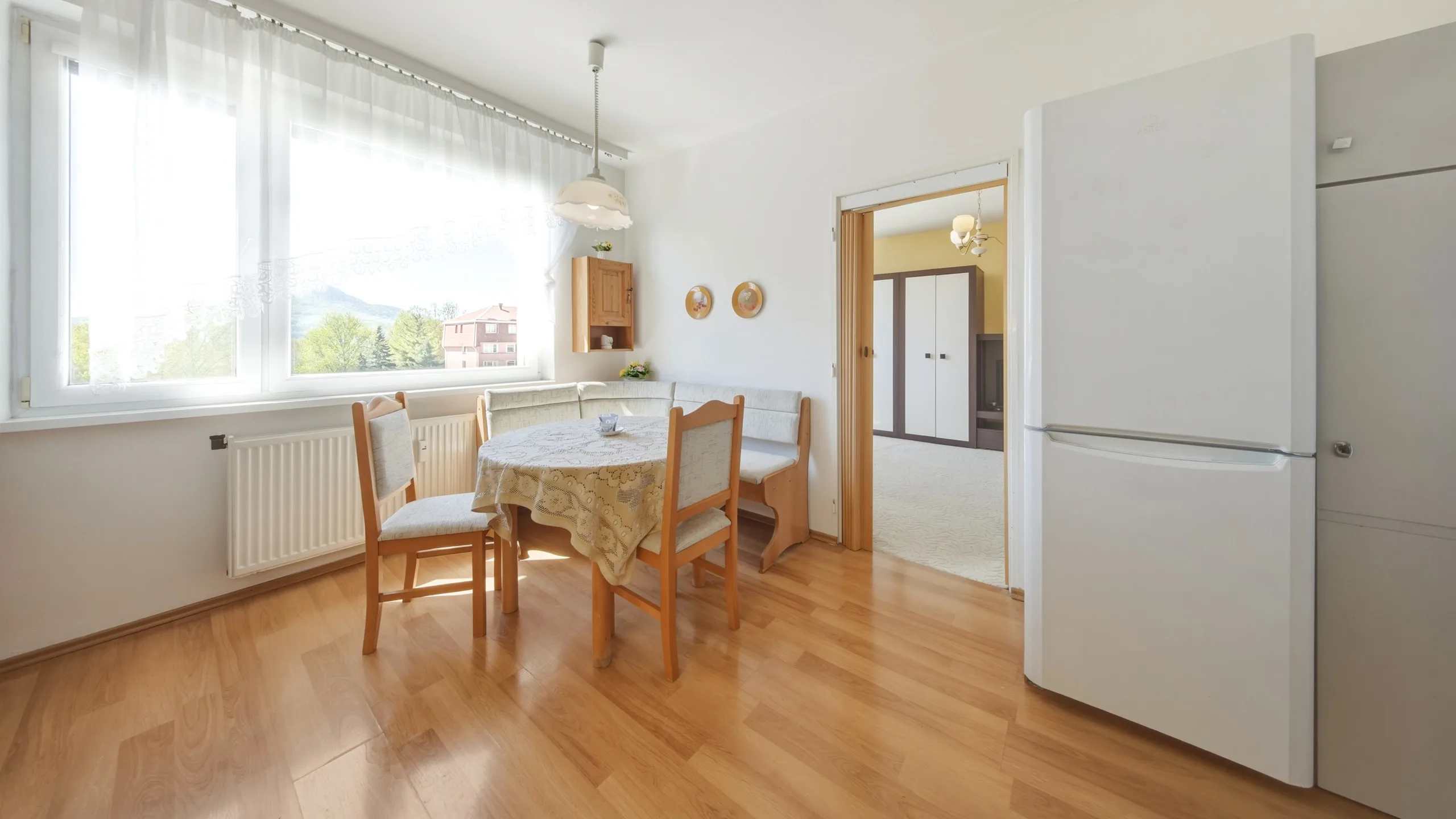
For property photographers and agents
Merge exposures into HDR, adjust lighting or replace the sky. Upload your images and compare the result for free. Pay only for the photos you select.
Free preview CZK 25 per finished photo
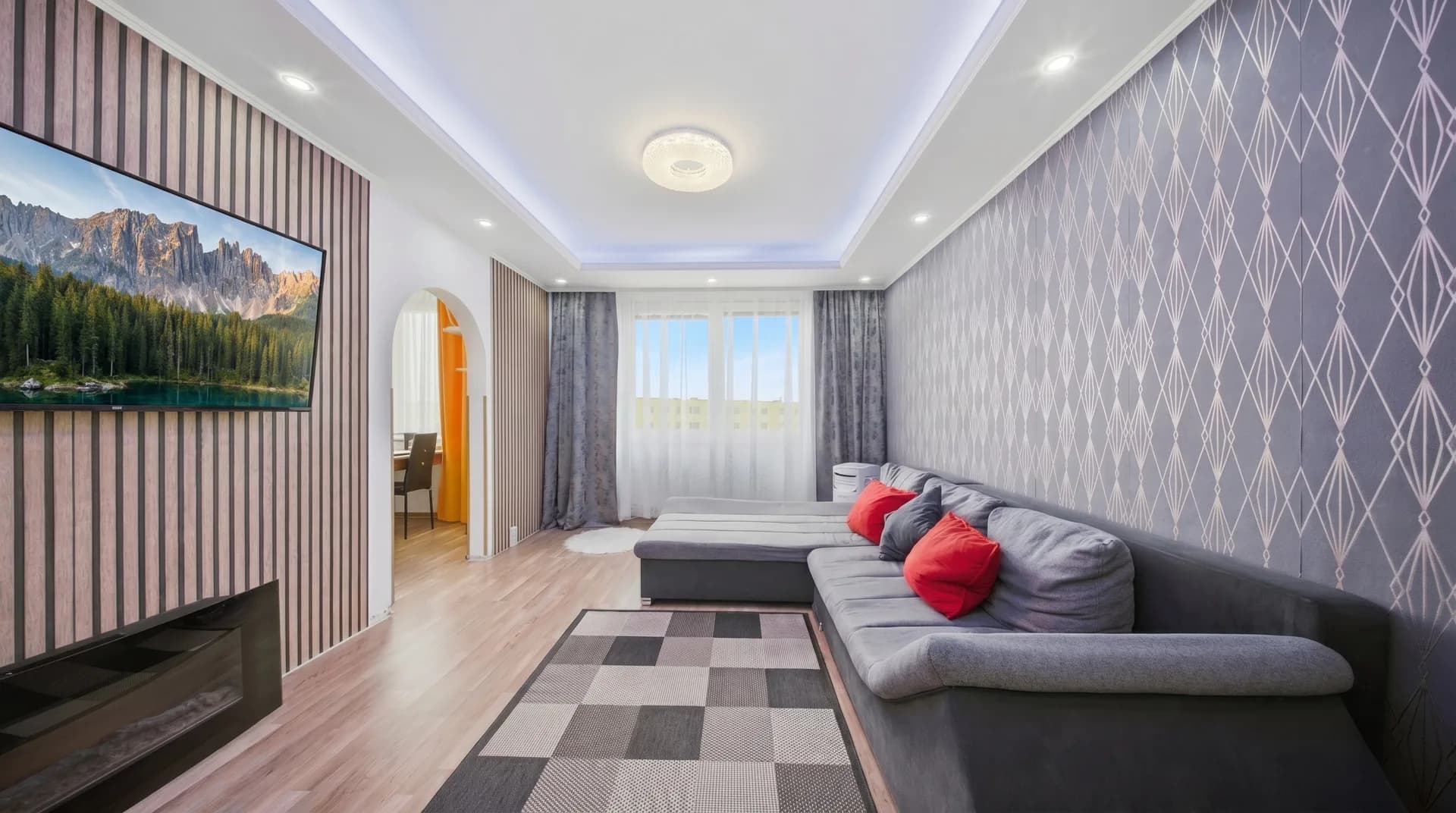
Move the divider to compare the original image with the result. Try an HDR interior, exterior and sky replacement.
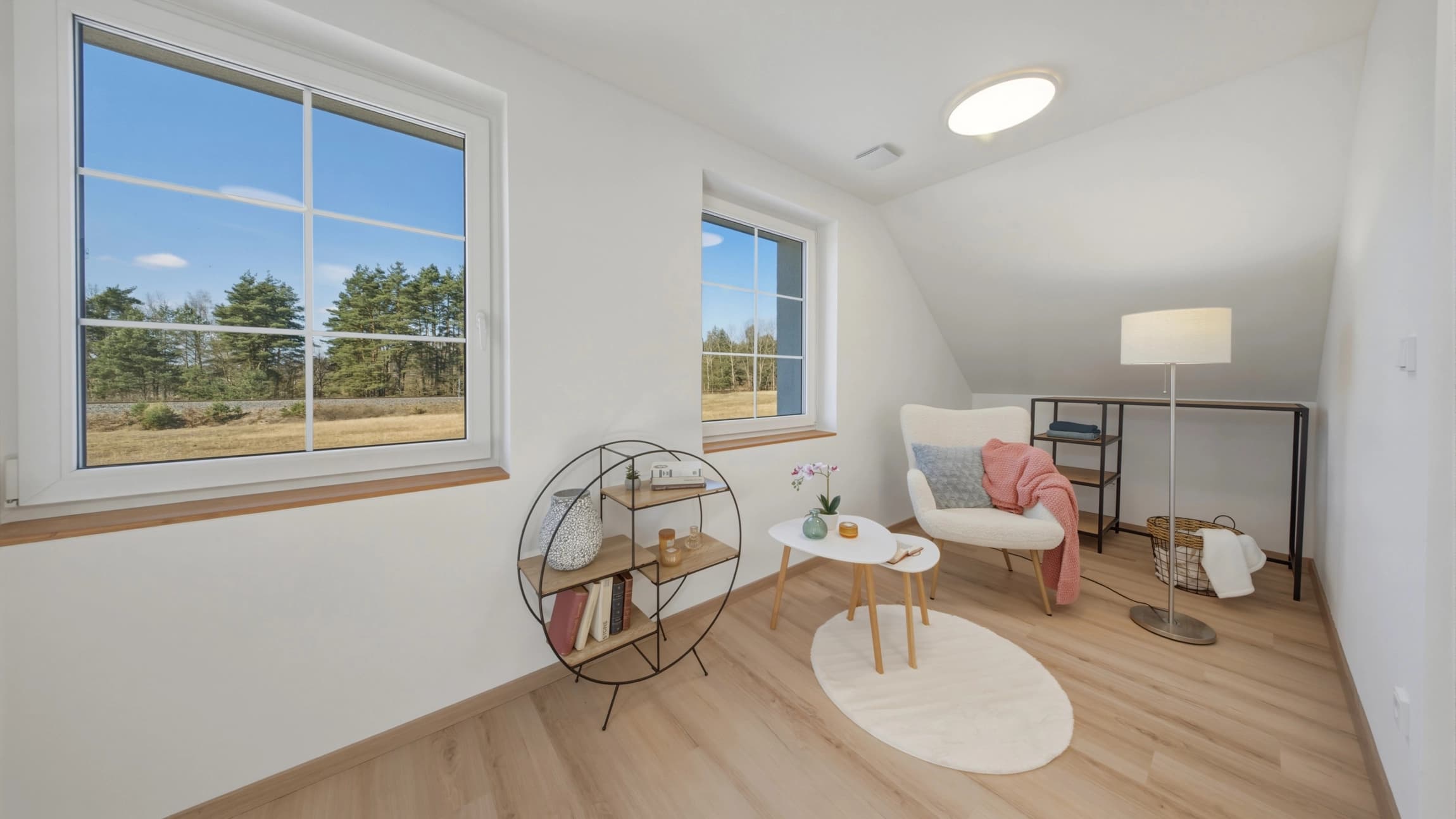
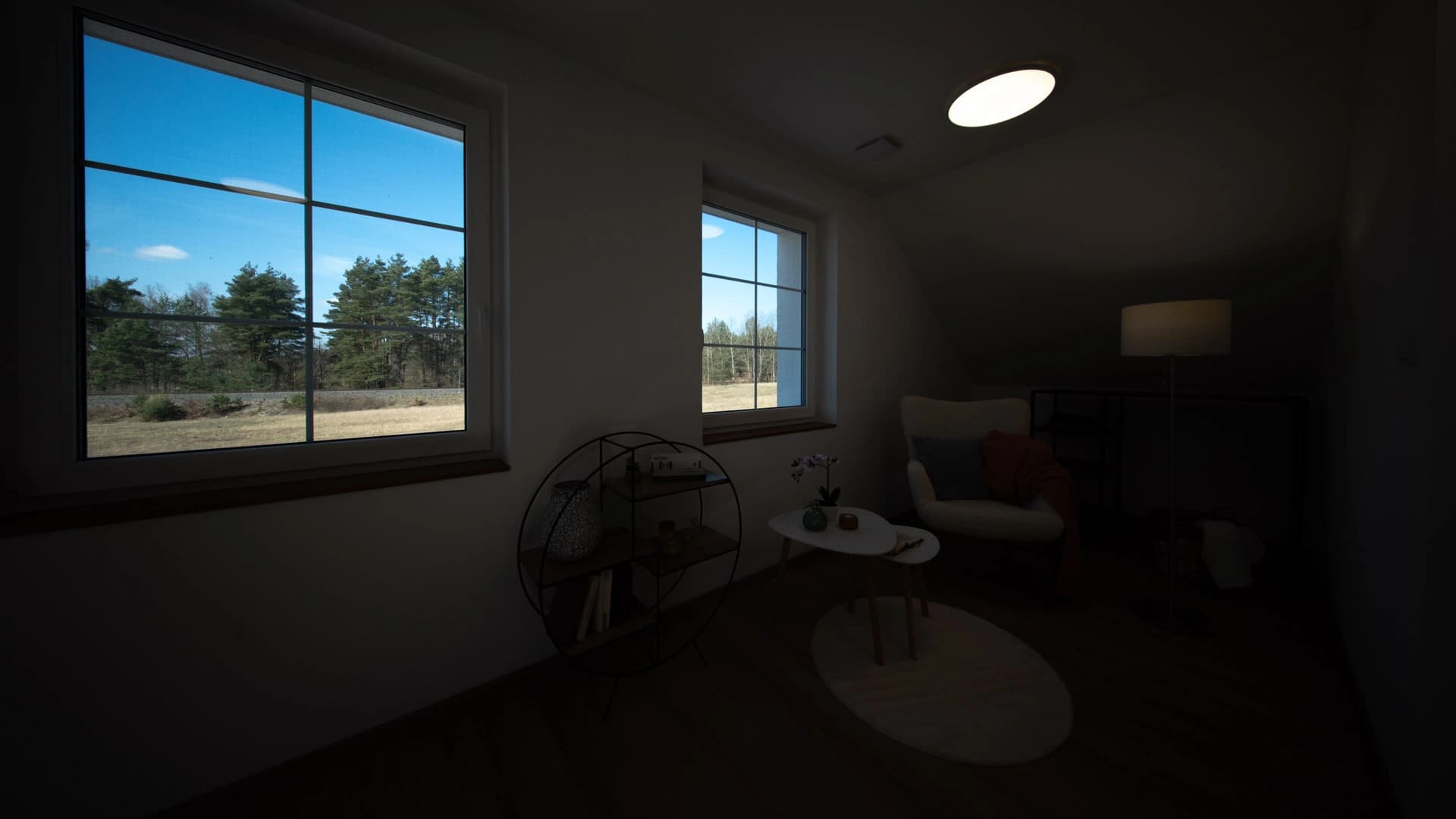
Move the loupe over the window, compare white balance and see what HDR changes.
The loupe reveals the enhanced view instead of a white window. Move your mouse, tap the image or move the control.
White balance reduces unwanted colour casts. Walls and materials look more natural.
HDR merges different exposures into one result. The histogram shows the brightness distribution before and after editing.
Perspective correction straightens walls and door frames. Switch the example to compare the difference.
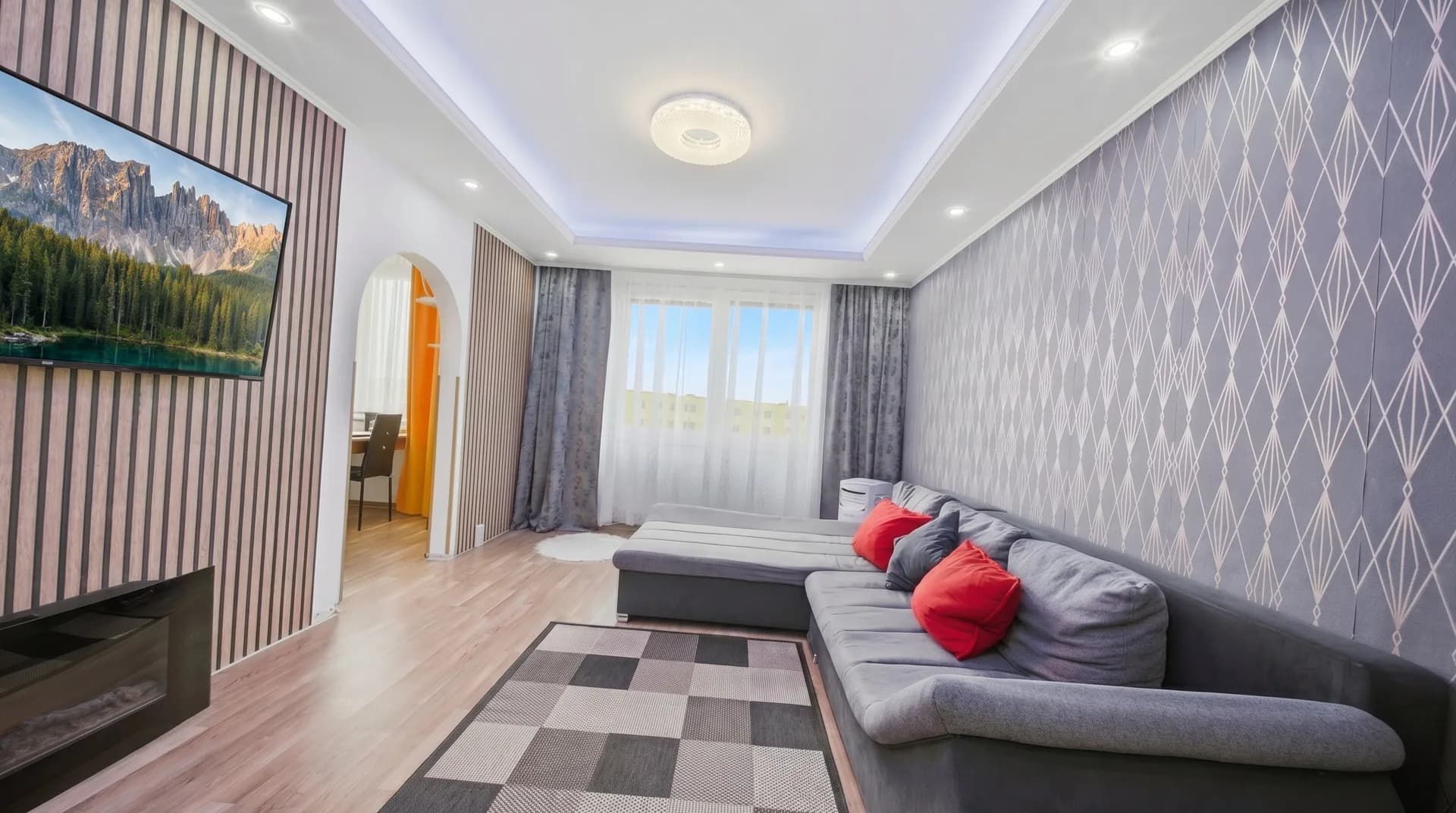
Three steps from exposure bracket to finished photo. Everything is in your account.
Choose your edits and upload photos from your computer or cloud. For HDR, select exposure merging and the number of frames per composition.
RAW / JPG / PNG / TIFF / HEIC / WebPFastHDR processes your photos automatically. View the free preview and choose which photos to download.
Automatic merging and editingPay for selected results and download them without watermarks. They are available for 7 days after payment.
No subscriptionFive exposures or seven? You pay per finished photo, not per source frame.
We count results, not individual exposures.
What you need to know about exposures, previews and downloading results.
Yes. Choose Merge exposures into HDR and select the number of frames per composition, such as 5 or 7. Frames from the same scene must be consecutive. For mixed exposure counts in one batch, use automatic grouping and check the result before buying.
JPG, PNG, TIFF, WebP, HEIC and supported RAW files including ARW, CR2, CR3, NEF and DNG, up to 200 MB per file. Upload RAW directly from the camera, including metadata. Nikon HE/HE* is not supported.
One finished photo without a watermark, including your chosen edits. Five or seven exposures of one scene therefore cost CZK 25 in total. The preview is free; you pay only for selected results to download.
Paid photos are available for 7 days after payment; unpaid photos for 7 days after upload. Download finished results to your own device. Automatic cleanup removes them after this period.
Yes. Sign in to the same account and open My gallery. Your photos, payment status and available downloads are there.
Try your own photos
Single photos or complete HDR brackets. Preview for free and unlock your chosen photo without a watermark for CZK 25.
Use a free Google or email account. Your photos will also be available on your phone.
